Video Editing Software for Streaming

At MediaCopilot, we know that video editing software for streaming must be fast, reliable, and tailored to the demands of live and on-demand platforms. That’s why our AI-powered tools automate clipping, reframing, subtitling, and multi-format delivery, ensuring every video is optimized for Twitch, YouTube, TikTok, and more.

With MediaCopilot, creators and streaming teams can maintain consistent quality, increase output, and engage audiences across multiple channels, while dramatically reducing editing time and production costs.

Try it now

How Video Editing Helps Streaming

Optimized video editing is crucial for streaming workflows, ensuring every clip is polished, properly timed, and ready for multi-platform distribution. From live gameplay to creator highlights and on-demand recaps, professional editing delivers smooth transitions, accurate cuts, and consistent visual quality. With AI-driven video editing software for streaming like MediaCopilot, creators can automate repetitive tasks such as trimming, subtitling, reframing, and formatting, freeing teams to focus on storytelling and audience engagement.

This results in faster turnaround times and consistent content delivery across platforms like Twitch, YouTube, TikTok, and OTT services.

See How It Works


What Is MediaCopilot

MediaCopilot is an AI-powered video production platform that automates the entire streaming creation workflow, from content ingestion and editing to processing and final delivery. The platform includes advanced features such as real-time scene detection, AI dubbing, subtitling, automatic highlight generation, and intelligent metadata tagging. All of this enables content teams to streamline their workflows, reduce manual effort, and scale production quickly and efficiently.


Why MediaCopilot Helps with Video Editing software for streaming

MediaCopilot simplifies the complex workflows of broadcast production by integrating automation, precision, and scalability. It enables broadcasters to process, edit, and distribute large volumes of content quickly while maintaining broadcast-quality standards.

With AI-powered automation, MediaCopilot:

  • Detects key moments in live or recorded streams for instant highlight creation.
  • Formats videos for linear, digital, and OTT platforms automatically.
  • Adds captions, translations, and dubbing to comply with accessibility and regional regulations.
  • Maintains consistency and quality control across multiple feeds and output formats.
  • Integrates seamlessly with broadcast management and playout systems.

In essence, MediaCopilot allows broadcasters to deliver more content faster, optimize workflows, and ensure consistent quality across global audiences.


Features and Functionalities of MediaCopilot

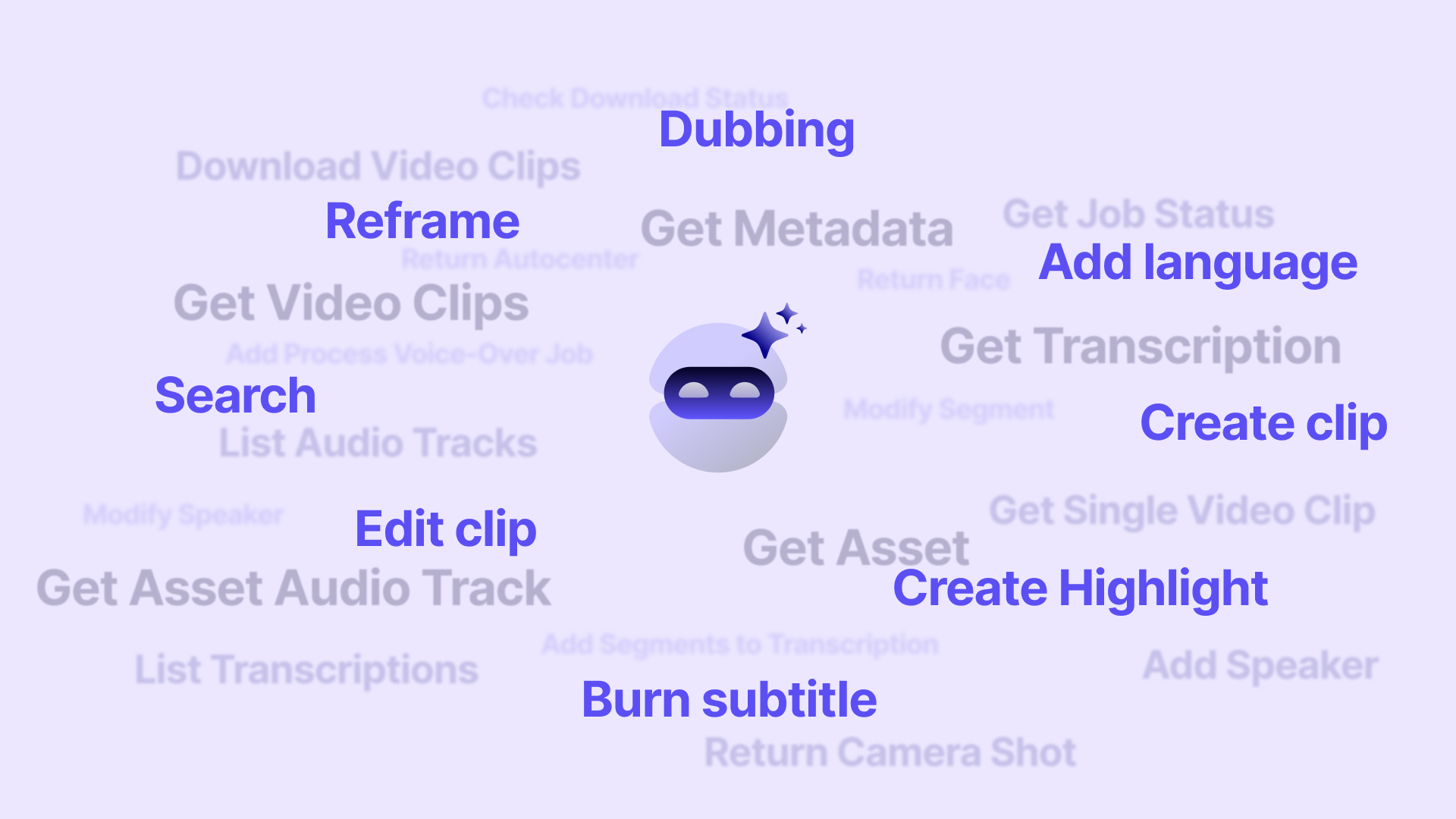
MediaCopilot provides a complete AI-driven toolkit designed specifically for streaming environments. Its core features include:

  • Live & VOD Clipping Tool: Create stream-ready highlights from long recordings or live feeds in seconds.
  • Automatic Subtitles & Translations: Produce accurate captions in multiple languages to improve accessibility and engagement.
  • AI Dubbing Engine: Generate natural, localized audio instantly for international audiences.
  • Highlight Automation: Identify and extract key streaming moments automatically for fast publishing across platforms.
  • Content Filtering & Moderation: Detect sensitive or non-brand-safe content before publishing.
  • Metadata Tagging & Scene Indexing:Organize and retrieve streaming assets efficiently with AI-generated tags.
  • Video Editing API for Streaming Platforms: Integrate MediaCopilot’s AI directly into your streaming tools, dashboards, or CMS.

You Need Video Editing software for streaming if…

  • Produces live or on-demand streams and needs fast turnaround to publish clips or full videos.
  • Manages multiple streaming platforms (Twitch, YouTube, TikTok, Instagram, OTT) and wants consistent quality across all outputs.
  • Wants to automate highlight creation for gaming, events, webinars, product launches or creator content.
  • Needs subtitles, translations or AI dubbing to reach multilingual audiences and improve accessibility.
  • Wants to reduce manual editing time and lower overall production costs.
  • Handles large volumes of VOD content and requires quick indexing, search and retrieval.
  • Needs to repurpose live streams instantly into short-form content for social platforms.
  • Seeks to increase audience engagement with polished, high-quality clips and recaps.
  • Works with teams managing recording, editing and publishing, and needs unified, automated workflows.
  • Wants to scale streaming operations efficiently using AI automation and future-proof tools.
Watch It in Action


FAQS


Does MediaCopilot support automatic highlight creation for Twitch or YouTube streams?

Yes. MediaCopilot automatically detects key moments in your Twitch or YouTube streams and turns them into ready-to-publish highlights. Our AI analyzes reactions, scene changes, spikes in activity, and contextual cues to generate clips in seconds—perfect for fast distribution across multiple platforms.


How much experience does MediaCopilot have in streaming?

MediaCopilot has been built specifically for high-volume streaming workflows, working with creators, media teams, and digital publishers who process hours of live and VOD content every day. Our platform is designed from the ground up to meet the real needs of streamers: speed, automation, and multi-platform delivery.


How fast does MediaCopilot process long recordings or full streams?

MediaCopilot can process long recordings and full streams in minutes thanks to its cloud-based AI pipeline. Processing time depends on video length, but our system is optimized for fast turnaround, enabling creators to publish highlights, subtitled clips, or reformatted versions almost immediately.


Can MediaCopilot detect key moments in gameplay or live shows automatically?

Absolutely. MediaCopilot’s AI identifies important moments, such as kills, wins, reactions, scene shifts, applause, or audience spikes, without manual review. This allows you to generate gameplay clips or event highlights instantly and keep your audience engaged across all platforms.


What is the best video editing software for streaming?

At MediaCopilot, we’ve built our platform to be the best video editing software for streaming, combining AI automation with tools designed specifically for live and on-demand content. We streamline clipping, subtitling, reframing, and publishing so creators can deliver high-quality videos across Twitch, YouTube, TikTok, and morewithout the manual workload.


How can I edit a stream video quickly and efficiently?

With MediaCopilot, you can edit a stream video in minutes. Our AI automatically detects key moments, generates highlights, adds captions, and formats your content for multiple platforms. This lets you turn long streams into polished, ready-to-publish videos instantly, saving hours of manual editing.


How does MediaCopilot support OTT video services?

MediaCopilot integrates seamlessly with OTT video services by automating transcoding, metadata tagging, subtitling, and multi-format delivery. Whether you're managing episodic content, VOD libraries, or live assets, our platform ensures fast, scalable workflows that meet OTT technical and quality standards.


Can MediaCopilot help repurpose OTT videos for other platforms?

Yes. MediaCopilot helps teams maximize the value of OTT videos by automatically clipping, reframing, and localizing content for TikTok, Instagram, YouTube, and other digital channels. This allows you to extend reach, grow audiences, and publish more frequently without added production time.

Ready to Get Started?

It’s time to supercharge your media production and let AI free you from the grind. Try MediaCopilot for free and see the difference on your very first project. You’ll wonder how you ever worked without your AI copilot!